Custom Website Development for Small Businesses
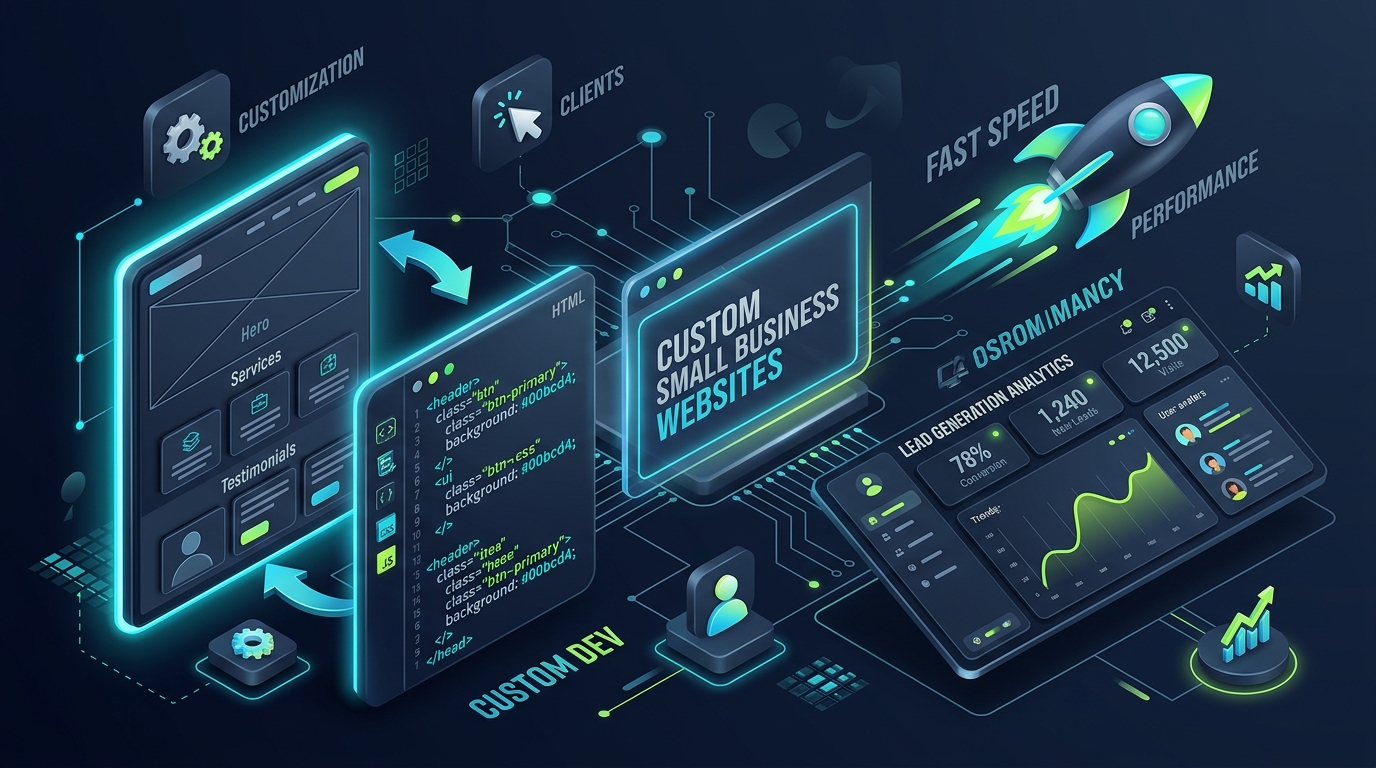
Custom website development for small business means designing and building a site around your customers, services, and sales process, instead of fitting your business into a pre-made template. This guide covers what you need, what you can skip, what it costs, and how to choose the right developer.
A custom site isn't always the right answer. Sometimes a template is enough. Below is how to tell which situation you're in.
Why Small Businesses Need a Professional Website
Your website is often the first place a potential customer checks before calling, booking, or buying. A professional business website does four jobs:
- ✔ Builds trust: A clean, fast, current site tells visitors you are a real, reliable business.
- ✔ Captures leads around the clock: Forms, booking tools, and click-to-call buttons work when you're closed.
- ✔ Supports every other channel: Google Business Profile, social media, ads, and email all send people to your site.
- ✔ Belongs to you: Unlike a social media page, you control the content, the data, and the customer experience.
A site that looks fine but loads slowly, breaks on phones, or hides your contact details loses customers quietly. Most owners never see those lost visitors.
Custom vs Template Websites
A template website starts from a pre-designed layout (Wix, Squarespace, or a WordPress theme) that you fill with your content. A custom website is planned and built for your specific business goals, with the design and functionality chosen for your needs.
| Factor | Template Website | Custom Website |
|---|---|---|
| Upfront cost | Lower | Higher |
| Launch speed | Fast (days to weeks) | Slower (weeks) |
| Design uniqueness | Shared with other sites | Built for your brand |
| Performance | Depends on theme and plugins | Controlled by the developer |
| Special features | Limited to what plugins offer | Built to your workflow |
| Scalability | Can hit limits as you grow | Designed to grow with you |
| Ownership | Often tied to the platform | Full control of code and hosting |
| Best for | Testing an idea, very tight budgets | Lead generation, differentiation, growth |
Choose a template if you are just starting, your needs are simple (a few pages, a contact form), and budget is the main constraint.
Choose custom if your website is a main source of leads or sales, you need specific features (custom quoting, booking, client portals, integrations), or speed and search visibility matter to your growth.
One trade-off is worth knowing. Template sites often depend on many plugins to add features, and each plugin can add weight, security updates, and conflicts. A custom build includes only the code you need, but it takes more planning and budget up front.
Pages Every Small Business Website Needs
You don't need 50 pages. You need the right ones, each with a clear purpose:
- ✔ Home page: States what you do, who you serve, and the next step within seconds.
- ✔ Services (or Products) pages: Give each main service its own page. This helps customers understand your offer and helps search engines match you to specific searches.
- ✔ About page: Shows who is behind the business. People buy from people they trust.
- ✔ Contact page: Includes a short form, phone number, email, address or service area, and business hours.
- ✔ Testimonials or case studies: Real results from real customers are your strongest proof.
- ✔ FAQ section or page: Answers common objections before a visitor has to ask.
- ✔ Privacy policy and terms: Often legally required and a basic trust signal.
- ✔ Blog (optional but valuable): Helps you reach customers searching for answers before they're ready to buy.
If you have to prioritize, launch with the home page, one page per core service, About, and Contact. Add the rest as you grow.
Features That Improve Leads
Good design gets attention, but specific features turn visitors into enquiries:
- ✔ Clear calls to action (CTAs): One primary action per page, such as "Book a Free Consultation" or "Get a Quote," placed above the fold and repeated lower down.
- ✔ Short, focused forms: Every extra field lowers completion. Ask only for what you need to follow up.
- ✔ Click-to-call and mobile-first layout: Most visitors arrive on a phone, so buttons must be easy to tap and text easy to read.
- ✔ Fast loading: Slow pages lose visitors before they see your offer. Compressed images, clean code, and good hosting all help.
- ✔ Trust signals: Reviews, certifications, client logos, guarantees, and a visible address or service area.
- ✔ Booking or quote tools: Let customers schedule or request pricing without back-and-forth emails.
- ✔ Analytics and conversion tracking: Set up Google Analytics and Search Console from day one so you know which pages and sources produce leads.
- ✔ Basic on-page SEO: Proper headings, descriptive page titles, meta descriptions, clean URLs, and structured data help search engines understand your pages.
- ✔ Security and accessibility basics: HTTPS, regular updates, readable contrast, and keyboard-friendly navigation protect and serve every visitor.
Custom development earns its cost when these features are designed around your workflow, such as a quote form that routes enquiries to the right person or a booking tool that matches how your business takes appointments.
How Much Does a Custom Website Cost?
Prices vary widely, so treat any number you read, including the ranges here, as a starting point for quotes. As a rough guide, a small business custom site built by a freelancer or small agency often falls from a few thousand dollars for a simple multi-page site to considerably more for sites with custom features, integrations, or e-commerce. Larger agencies in high-cost markets usually charge more.
What drives the price:
- ✔ Number and complexity of pages: A 5-page brochure site costs less than a 25-page site with service-area pages.
- ✔ Custom design vs. adapted design: Fully original design takes more time than a refined existing layout.
- ✔ Functionality: Booking systems, payment processing, client portals, and third-party integrations add development time.
- ✔ Content creation: Copywriting, photography, and video are sometimes included and sometimes extra.
- ✔ SEO and performance work: Technical setup, speed optimization, and structured data take effort.
- ✔ Ongoing costs: Hosting, domain, maintenance, security updates, and support continue after launch.
Questions to ask before accepting a quote:
- • What exactly is included, and what costs extra?
- • Who owns the code, design files, and domain when the project ends?
- • How many revision rounds are included?
- • What are the monthly or yearly costs after launch?
- • Is there a maintenance or support plan, and what does it cover?
A cheaper quote that excludes content, SEO setup, or ownership can cost more in the end than a higher quote that includes them.
How to Choose a Web Development Partner
Choosing well matters more than choosing cheaply. Work through these steps:
- 1. Define your goal first: Decide whether you want more calls, bookings, or sales. A developer can only build toward a goal you can state.
- 2. Review real work: Look at live sites they've built, not just design mockups. Open them on your phone and check the speed.
- 3. Check relevant experience: Experience with businesses like yours means fewer surprises.
- 4. Ask about process: A good partner explains discovery, design, development, testing, launch, and support, with timelines for each.
- 5. Confirm what's included: Mobile design, basic SEO setup, speed optimization, analytics, and training should be stated clearly.
- 6. Clarify ownership and handover: You should own your domain, content, and the finished site.
- 7. Look at communication: Clear, prompt answers before you hire are a good sign of how the project will go.
- 8. Get a written scope and quote: Deliverables, timeline, payment schedule, and revision limits should all be in writing.
If you want to see how a development team approaches this process, read about our custom web development services. When you are ready to talk about your project, you can book a website consultation.
Related reading:
- 🔗 Why Custom Web Development Beats Website Builders for B2B Lead Generation
- 🔗 The Ultimate Technical SEO Audit Checklist for Modern Web Architecture
Next Step
If you're deciding between a template and a custom build, or want a realistic scope and quote for your business, book a website consultation and we'll walk through your goals together.