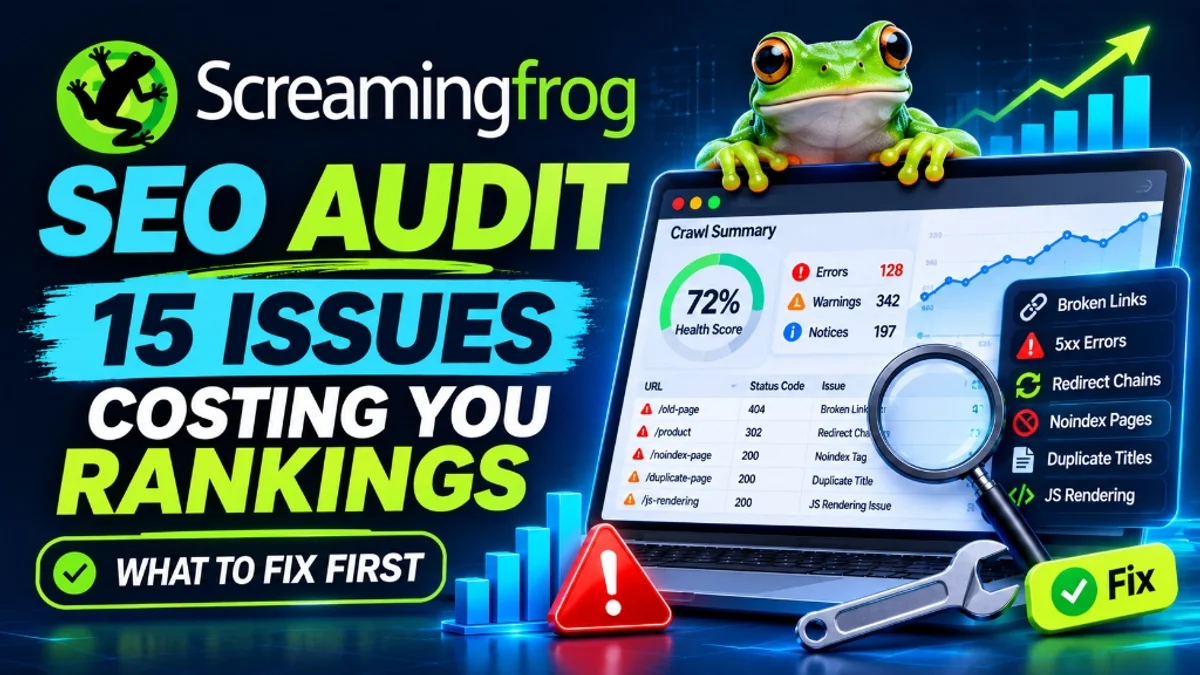
You ran a crawl, and the report came back with more than 800 issues. Red flags, orange warnings, filters you've never opened. Most people stall at this point, because it isn't clear which of those lines affect rankings and which are just noise.
A screaming frog audit is only useful once you sort the findings by impact. The tool reports what it sees on a page; it doesn't know which of those things matter to your business. This guide covers fifteen issues that most often hold sites back, explains why each matters, and shows how to fix it. Aligning findings with a structured technical SEO checklist for modern websites prevents your team from spending hours editing meta descriptions while critical crawl blockers go unaddressed.
How to Read a Crawl Report Without Drowning in It
When interpreting your screaming frog audit, start with a simple rule: fix problems that stop Google from reaching, indexing or understanding important pages before you touch cosmetic ones. A missing meta description on a low-value page is not in the same league as a noindex tag on your main service page.
Group what you find into four layers:
- Crawl and status codes: can search engines reach your URLs?
- Indexability: are the right pages allowed into the index?
- On-page signals: do pages clearly say what they are about?
- Technical and rendering: does the page work the way Google needs it to?
Work through them in that order. One caution on scope: the free version of Screaming Frog crawls up to 500 URLs, so on larger sites you need a licence or a sampled crawl before drawing conclusions about the whole site.
Layer 1: Crawl and Status Code Issues
Resolving fundamental site crawl issues must be your first line of defense during a crawl audit.
1. Broken internal links (4xx errors)
Open the Response Codes tab and filter by Client Error (4xx). A 404 page that nobody links to is harmless. A 404 that dozens of internal links point to wastes crawl effort and sends visitors to a dead end.
Fix: use the Inlinks tab to see which pages link to each broken URL. Update the link to the correct destination, or redirect the old URL to the closest relevant page. Don't send everything to the homepage.
2. Server errors (5xx)
A 5xx response means your server failed to deliver the page. Occasional ones can come from a crawl hitting the server too hard, so recrawl the affected URLs at a lower speed before panicking. If they persist, the problem is real.
Fix: check server logs, hosting limits and any firewall or security rules. Repeated server errors can make search engines crawl your site less often.
3. Redirect chains and loops
A chain happens when URL A redirects to B, which redirects to C. Each extra hop adds delay and gives crawlers more work. Loops are worse, since the page never resolves.
Fix: in Screaming Frog, the redirect chains report lives under the Reports menu. Collapse each chain so the first URL redirects straight to the final destination. Maintaining direct 301 destinations during migrating WordPress to Next.js without losing SEO ensures search bots transfer link authority instantly without burning crawl budget.
4. Internal links pointing to redirected URLs
Even a single clean redirect isn't ideal when your own navigation and content still link to the old address. It signals that your site structure hasn't been updated.
Fix: filter for internal URLs returning 3xx, then update the links on the source pages to point at the final URL directly.
Layer 2: Indexability Issues
5. Noindex pages and non-indexable URLs in your sitemap
Your XML sitemap should list pages you want indexed. If it includes redirected, noindexed, canonicalised or broken URLs, it sends conflicting instructions. Conversely, an important page carrying a noindex tag can vanish from results unnoticed.
Fix: review the Directives and Sitemaps tabs. Remove non-indexable URLs from the sitemap, and make sure any noindex tag is intentional. Uncovering why valid URLs fail to index often links back to why Google isn't indexing your website where conflicting tags mislead crawlers about the preferred version.
6. Canonical tag problems
Canonical tags tell Google which version of a page you prefer. Typical faults include missing canonicals, canonicals pointing to redirected or broken URLs, and pages canonicalised to an unrelated page by mistake. Google treats canonicals as a strong hint, not a command, so conflicting signals can lead to it choosing a different URL than the one you intended.
Fix: use the Canonicals tab to find pages that are canonicalised elsewhere, missing a canonical, or pointing to a non-200 URL. Set each important page to a self-referencing canonical unless you deliberately consolidate duplicates.
7. Orphan pages
An orphan page has no internal links pointing to it. Screaming Frog can't discover these from a normal crawl, so they only appear when you connect extra sources, such as your XML sitemap, Google Search Console or Google Analytics, and then run the crawl analysis.
Fix: decide whether each orphan deserves to exist. If it does, link to it from relevant pages. If it doesn't, redirect it, merge it or remove it.
Layer 3: On-Page Issues
8. Duplicate or missing page titles
Page titles remain one of the clearest signals of what a page covers. Duplicate titles across many URLs make pages harder to tell apart. Missing titles leave Google to write its own.
Fix: write a unique title for each indexable page that describes its specific topic. Very long titles can be truncated in results, so keep them concise.
9. Missing or duplicate meta descriptions
Meta descriptions are not a direct ranking factor, but they influence how appealing your result looks. Google may also replace them with text from the page.
Fix: prioritise your highest-traffic and highest-value pages, then write descriptions that describe the page's benefit honestly. Don't spend days perfecting descriptions on thin archive pages.
10. H1 problems
Common issues include missing H1s, several H1s with conflicting messages, and an H1 that duplicates the title word for word on every template page. Multiple H1s are not forbidden in HTML, but clear structure helps both users and search engines.
Fix: give each page one descriptive H1 that matches its main topic, and use H2 and H3 headings for sections.
11. Thin and duplicate content
Faceted navigation and automated category filters in ecommerce frequently generate thousands of thin variations that waste crawl bandwidth without providing unique value to buyers.
Screaming Frog flags low word counts and can detect exact duplicates, and with extra configuration it can highlight near-duplicates. A short page isn't automatically a bad page, since some pages legitimately need little text. The concern is pages that offer no unique value, such as near-identical location pages or filtered product listings.
Fix: expand pages that deserve to rank with original detail, consolidate overlapping ones, and noindex pages that exist only for navigation.
Layer 4: Technical and Rendering Issues
12. Image problems
Look at missing alt text, oversized files and broken image URLs. Alt text helps accessibility and gives search engines context. Heavy images slow down pages and can hurt the experience that Core Web Vitals measure.
Fix: add meaningful alt text where images carry information, compress images, and serve modern formats and correct dimensions. Resolving cumulative layout shifts and asset delivery aligns directly with Core Web Vitals and LCP in Next.js to satisfy real-user speed metrics.
13. Excessive crawl depth
Crawl depth shows how many clicks a page sits from the homepage. Important pages buried five or six clicks deep tend to receive weaker internal signals and less frequent crawling.
Fix: flatten your structure with stronger navigation, hub pages and contextual links, so key pages are reachable in a few clicks.
14. JavaScript rendering differences
If your site relies on JavaScript to load content or links, the raw HTML and the rendered page can differ. Screaming Frog can crawl in JavaScript rendering mode, which you set in the spider configuration. Compare what appears in the rendered view against the plain HTML. Links or text that exist only after rendering are at higher risk of being missed.
Fix: where possible, deliver critical content and links in the initial HTML through server-side rendering or static generation. Delivering body text and semantic navigation inside initial responses follows Next.js SEO best practices, making sure Googlebot never encounters a blank render shell.
15. Insecure URLs and mixed content
Pages still served over HTTP, or HTTPS pages that load images and scripts from HTTP sources, create security warnings and inconsistent signals.
Fix: redirect all HTTP URLs to HTTPS, update internal links and resources to use HTTPS, and confirm the canonical and sitemap URLs use your preferred version.
Turning the Findings Into a Fix List
Transforming a raw screaming frog audit export into an actionable development backlog requires clear prioritization. For each issue, record the number of affected URLs, whether those pages matter commercially, and how hard the fix is. Then rank them:
- Do first: problems affecting important pages and blocking indexing, such as 5xx errors, noindex mistakes, broken redirects and wrong canonicals.
- Do next: site-wide patterns that can be fixed in a template, such as duplicate titles, redirect chains and internal links to 3xx URLs.
- Do later: minor items on low-value pages.
When crawl issues span multiple microservices or bespoke routing layers, partnering with an experienced screaming frog seo audit service ensures technical debt is resolved directly in your build repository.
Have a Screaming Frog Report With Hundreds of Errors?
Our technical web architects triage the critical bottlenecks, fix broken redirect chains, eliminate crawl blockers, and implement code-level fixes to restore your search rankings.
Explore Our Technical SEO & Performance Services →Conclusion
In the end, running a screaming frog audit is only half the battle. A long crawl report looks alarming, but most sites only have a handful of problems that matter. Start with status codes and indexability, move to on-page signals, then handle rendering and performance. Prioritise by business value, fix in batches, and re-crawl to verify. That approach turns an overwhelming spreadsheet into a short, practical list of fixes.
If your crawl uncovered critical server faults or duplicate content loops and you need engineer-led execution after a screaming frog audit, connect with our specialists through our contact page to turn raw crawl data into clean search performance.